Audit Trail
Within the Info content app for pages you can find the Audit Trail in the History section. Here, you can get a quick overview of the actions performed on that node, by whom, when and any additional comments.
The Audit Trail is useful to find out who made changes on a certain date.
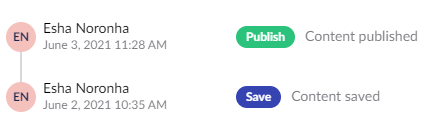
Audit Trail
To view the audit trail:
-
Go to the Content section.
-
Navigate to the page you wish to see the audit trail.
-
Go to the Info tab.
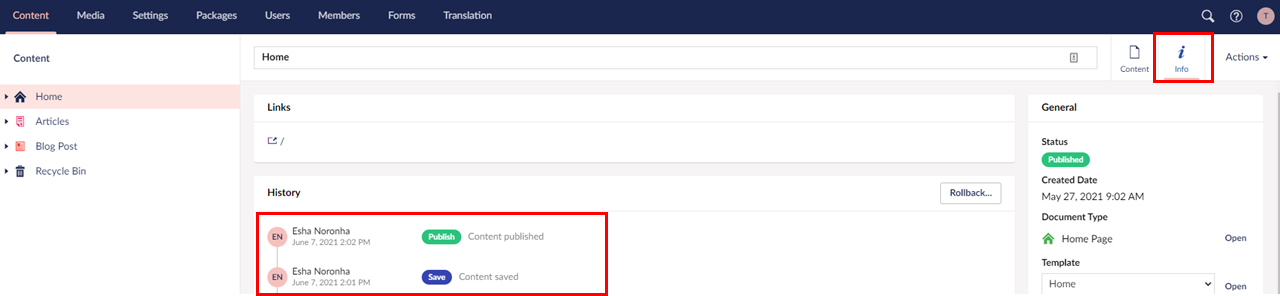 View audit Trail
