Preview Pane Responsive View
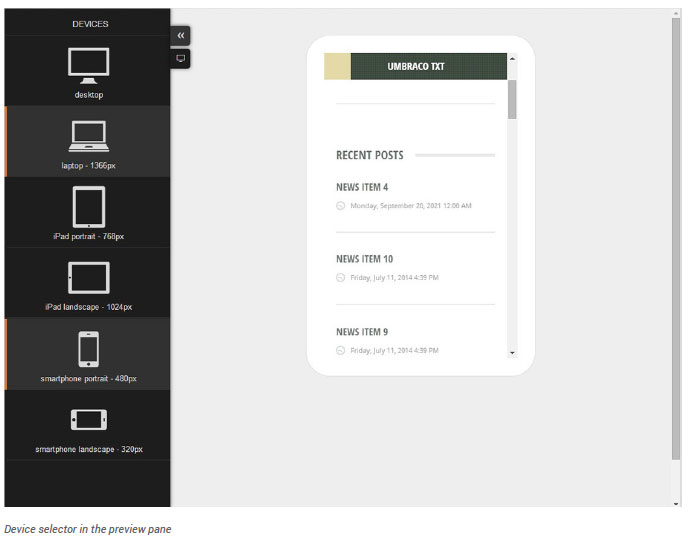
When viewing page content in preview mode you have the option to scale the preview window to various device sizes.
- Once you have finished editing the page content click the Preview button.
- Click the button with two arrows on the far left. This will reveal the device slide out menu.
- Select which device you would like to scale the preview pane to.