Logging In and Out
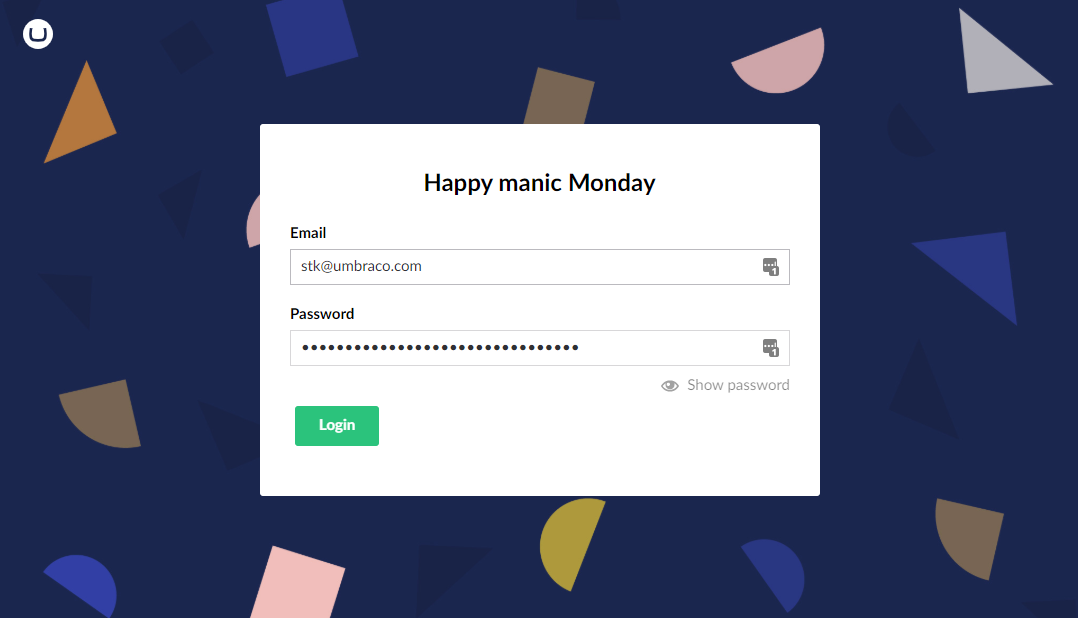
- Open your web browser and enter your website domain name followed by /umbraco (for example: http://www.company.com/umbraco/). A login screen appears.
- Enter your Email and Password provided by your system administrator.
- Click Login.
Important: Note:
The address at which you access Umbraco may vary so check with your system administrator.
Logging Out
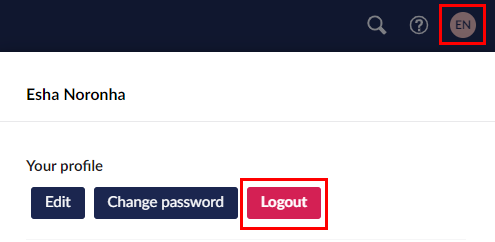
To log out of the Umbraco Backoffice:
- Select the profile picture in the top-right of the screen.
- Click Logout.